Free Chrome extension
Gentle eye breaks, right in Chrome.
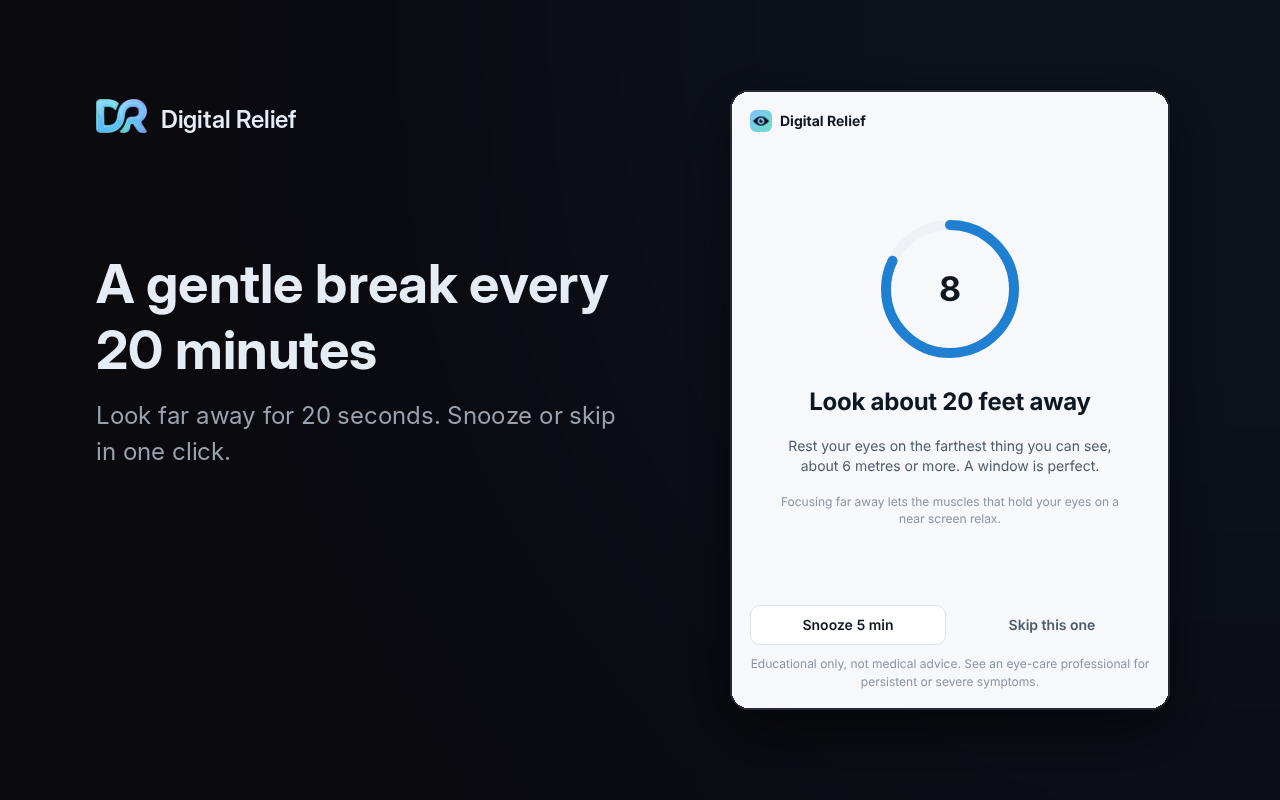
Every 20 minutes of active screen time, a reminder to look far away for 20 seconds. It pauses when you step away and stays quiet in meetings.
No account. No tracking. No permission warnings at install.
What it does
Small reminders that fit around your day
Counts only active screen time
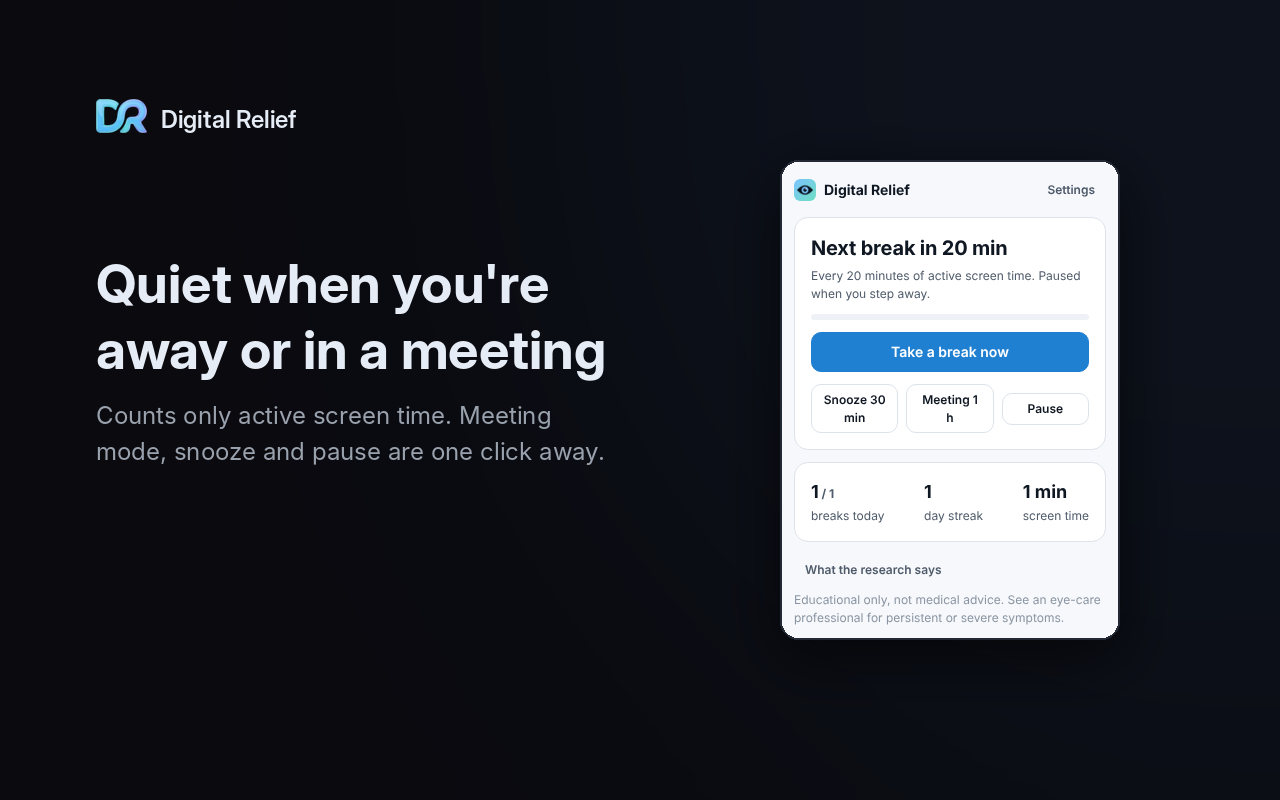
Idle or locked time doesn't count, and five or more minutes away counts as a break.
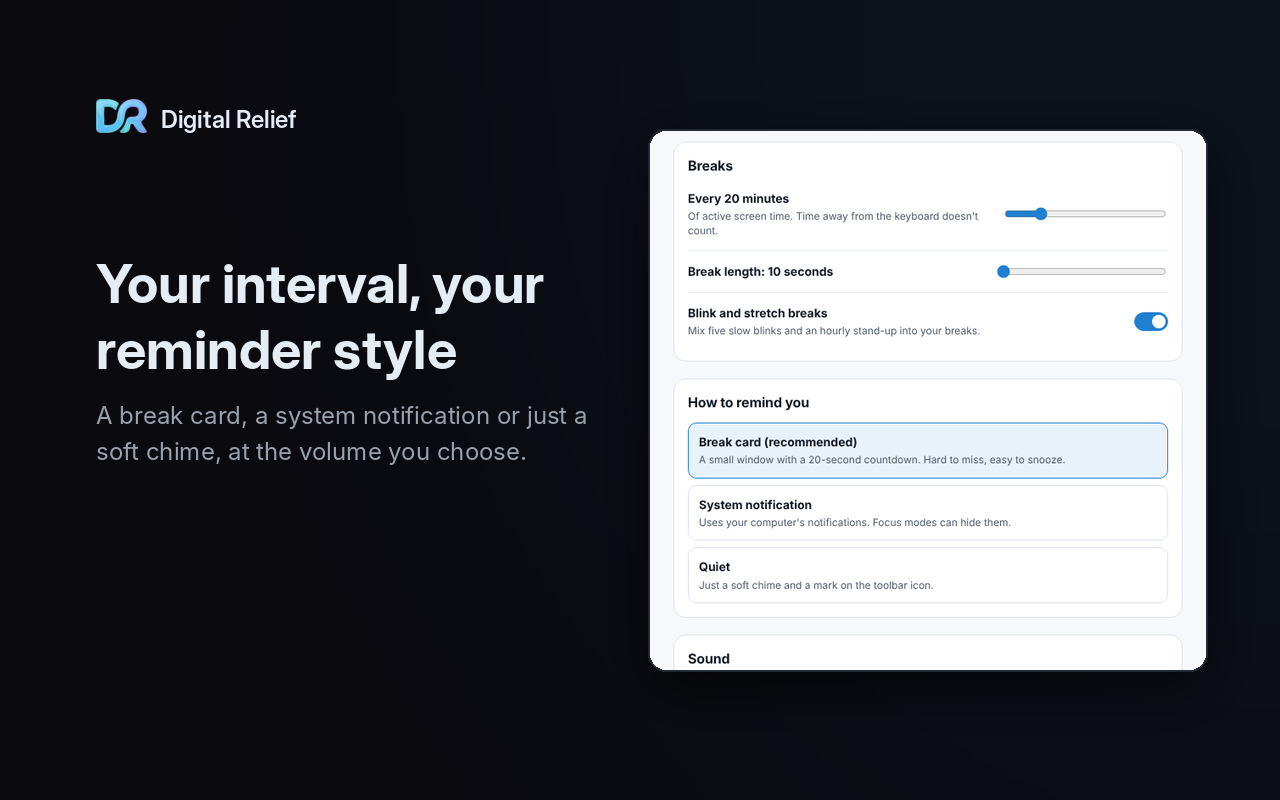
Your interval, your break
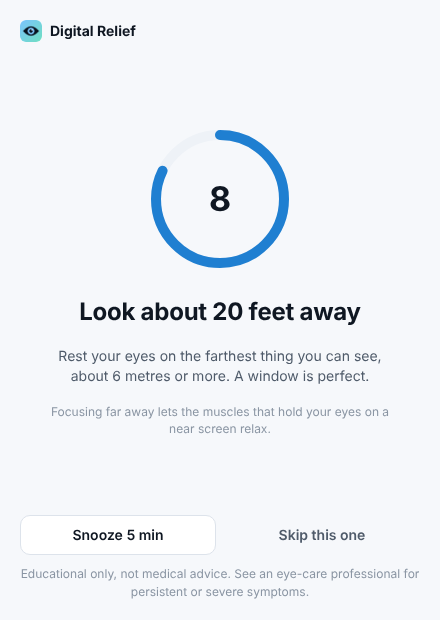
Remind every 10 to 60 minutes (20 by default). Breaks last 10 to 60 seconds (20 by default).
Three reminder styles
A small break card with a countdown, a system notification, or quiet: a toolbar badge and a soft chime.
Meeting mode, snooze and pause
Meeting mode for an hour, snooze for 30 minutes, or pause. Shortcuts: Alt+Shift+B for a break, Alt+Shift+S to snooze.
Optional call auto-pause
Pauses during Google Meet, Zoom and Teams calls. It asks for access to those sites only if you turn it on.
Waits out full screen
Holds a reminder for up to 10 minutes while a window is full screen.
Blink and stretch breaks
Mixed in with the look-far breaks: five slow, complete blinks, and an hourly stand-up.
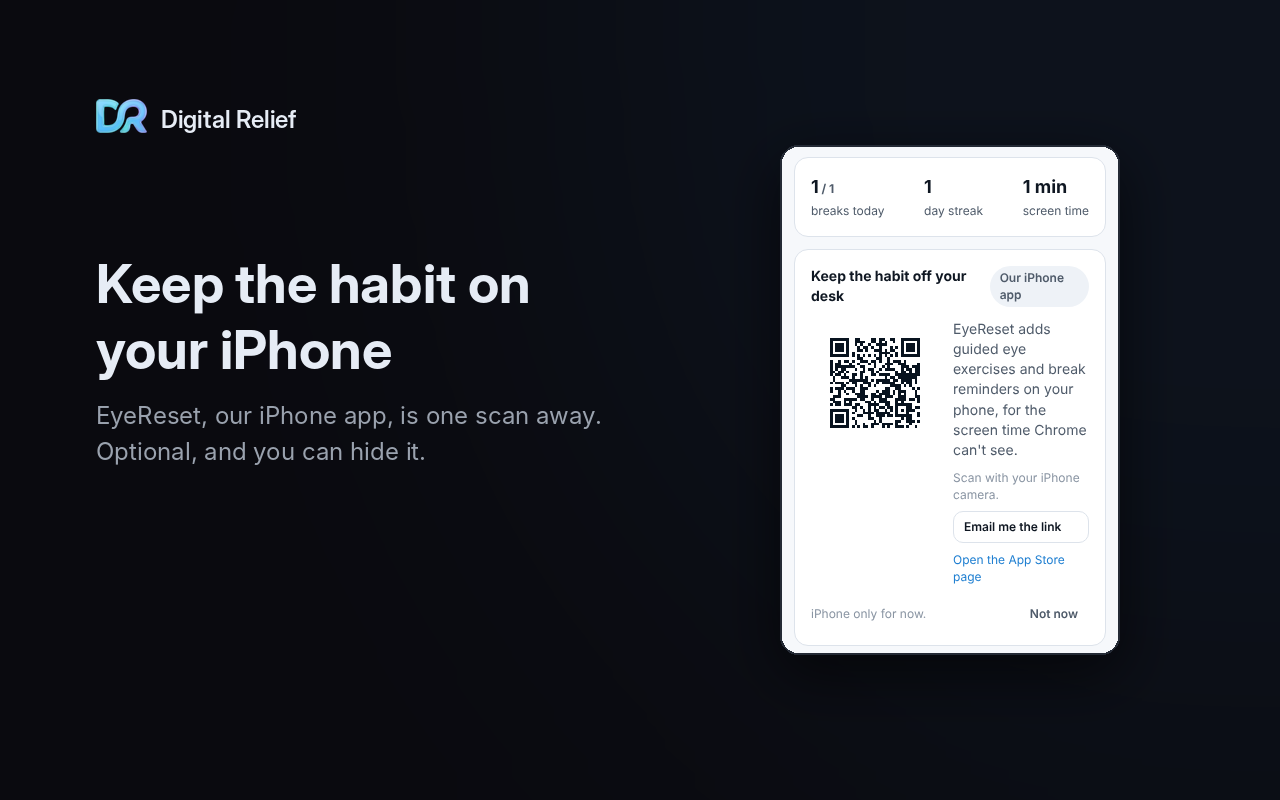
A view of your day
Breaks today, your day streak and your active screen time.
Sound, or none
A soft chime with a volume slider, or no sound at all.
Light and dark
Themes follow your system setting.
See it in Chrome
Swipe or scroll through the break card, popup, settings and more.
Private by default
Nothing leaves your browser
There's no account, no analytics and no server. The extension makes no network requests except links you click.
At install it asks only for alarms, storage, idle and offscreen audio. None of them shows a warning.
Read the privacy policy →Honest by design
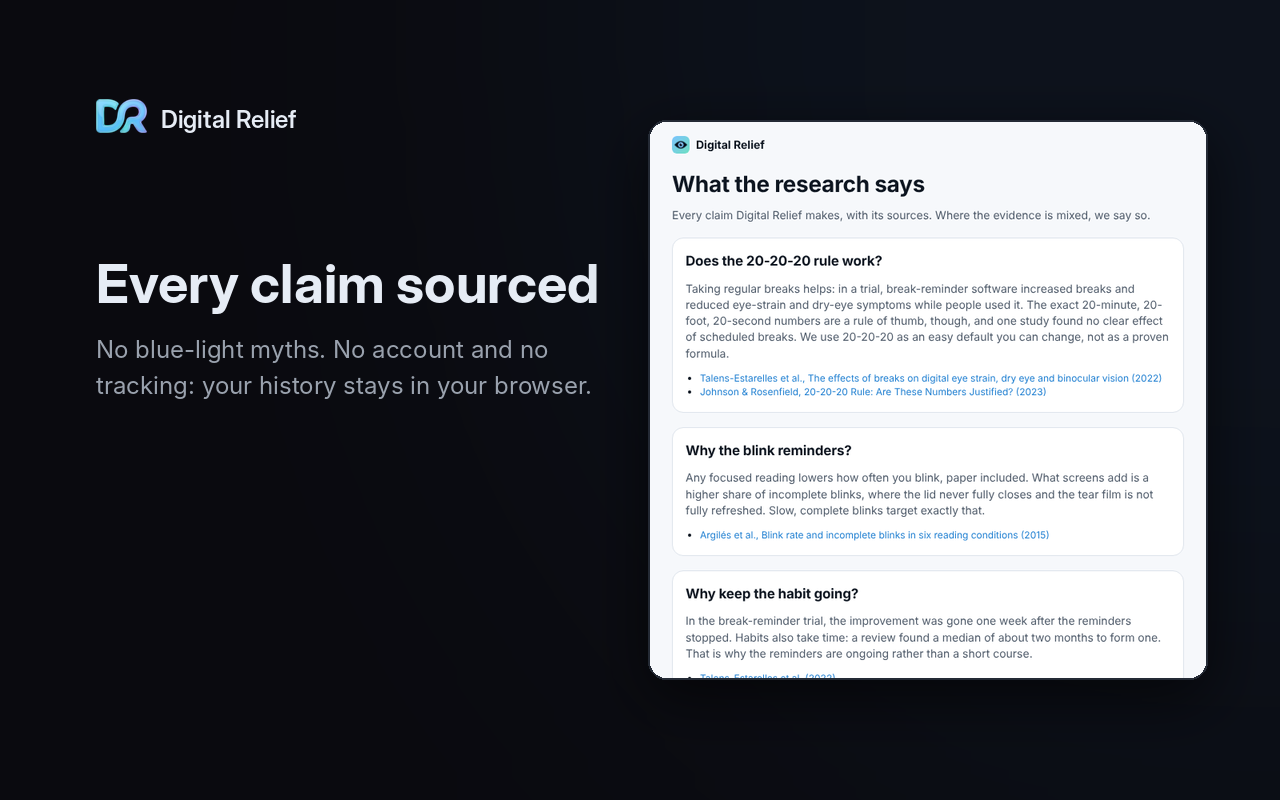
No miracle numbers, no blue-light filter
20-20-20 is a widely used rule of thumb, not a proven formula. In one trial, break reminders eased eye-strain symptoms while people used them, and the benefit was gone a week after they stopped. So the extension is built to keep the habit going.
There's no blue-light filter, because the evidence doesn't support one for eye strain.
Also from Digital Relief
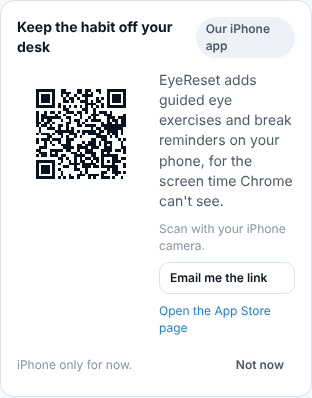
EyeReset for iPhone
After a few days of use, the extension occasionally suggests EyeReset, our iPhone app, for the screen time Chrome can't see. It shows up in the toolbar popup and at most once a day on the break card, never in a system notification. One switch in settings hides it for good.
From the Digital Relief blog
The evidence, in plain English
Does the 20-20-20 Rule Actually Work?
Break reminders eased eye-strain symptoms while people used them, then the benefit faded. The exact 20/20/20 numbers have little direct support. Here's the evidence.
Why Our Extension Has No Blue-Light Filter
Do blue-light filters help eye strain? Two reviews found little sign they do, and a night-mode trial found no sleep difference. Here's what we built instead.
It's Not How Often You Blink, It's How Completely
Blinking less at the computer is only half the story. Focused reading lowers blink rate on paper too; screens add more incomplete blinks. Here's the study.
Building a Break Reminder With Zero Permission Warnings
How we built the Digital Relief Chrome extension on Manifest V3: no install warnings, optional permissions at runtime, and a timer that survives a sleeping service worker.
Questions, answered
- Is it free?
- Yes. It's free, and there's no account to create.
- Does it work in Microsoft Edge?
- Yes. Edge can install it straight from the Chrome Web Store after you allow extensions from other stores.
- What about Firefox?
- Not yet.
- Does it track me?
- No. There's no account, no analytics and no server. The extension makes no network requests except links you click.
- Can I change the 20 minutes?
- Yes, to anything from 10 to 60 minutes. Breaks can run from 10 to 60 seconds.
- Will it interrupt my meetings?
- Not in meeting mode or while snoozed, and not during Google Meet, Zoom or Teams calls if you turn on call auto-pause.
Give your eyes a regular pause
Free, private, and quiet when you need it to be.